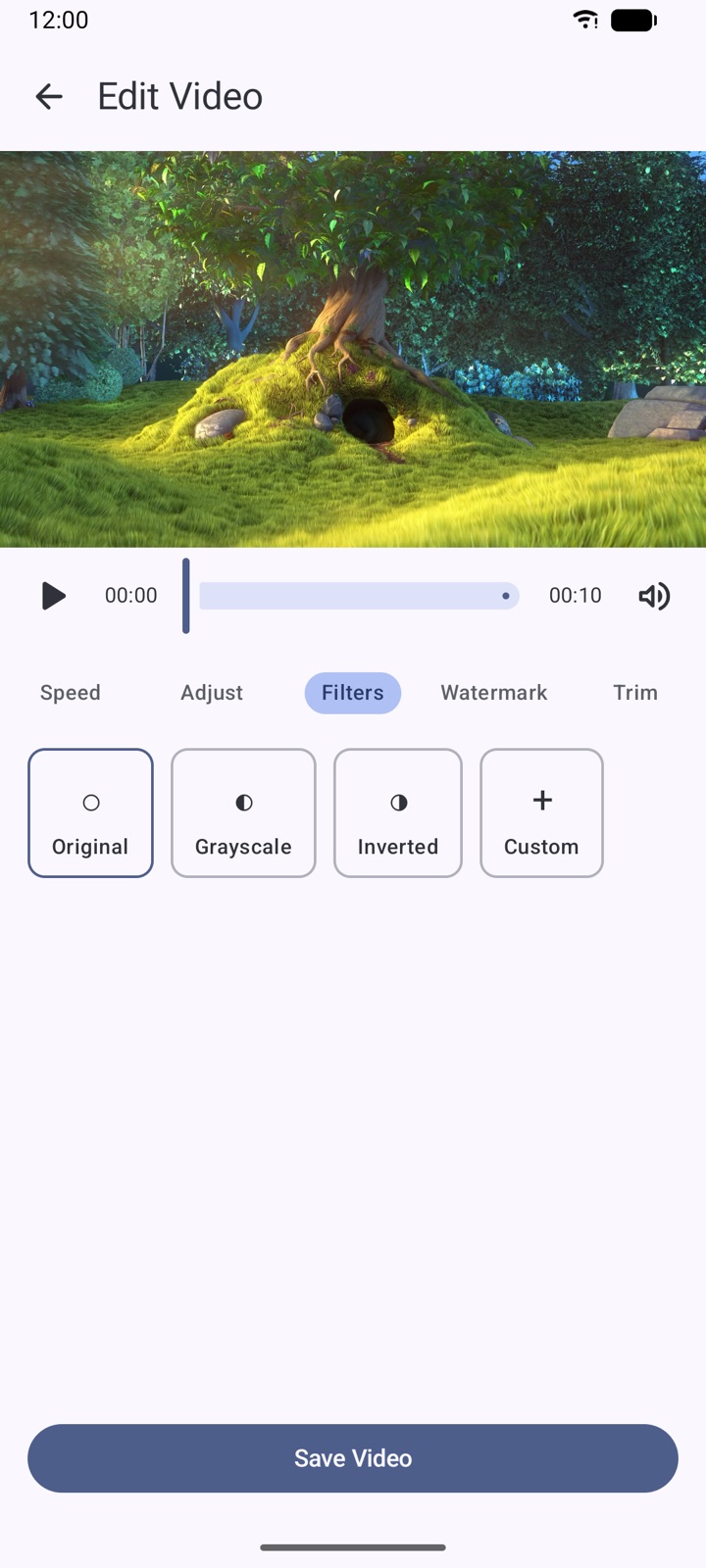
Full video editor
Trim, change speed, mute audio, fine-tune colors, apply filters and LUTs, place watermarks in any of nine positions, and merge multiple videos into one.
A private browser, fast download manager, media player and file organizer in one Android app. Videos, music and downloads stay on your device — no account needed.
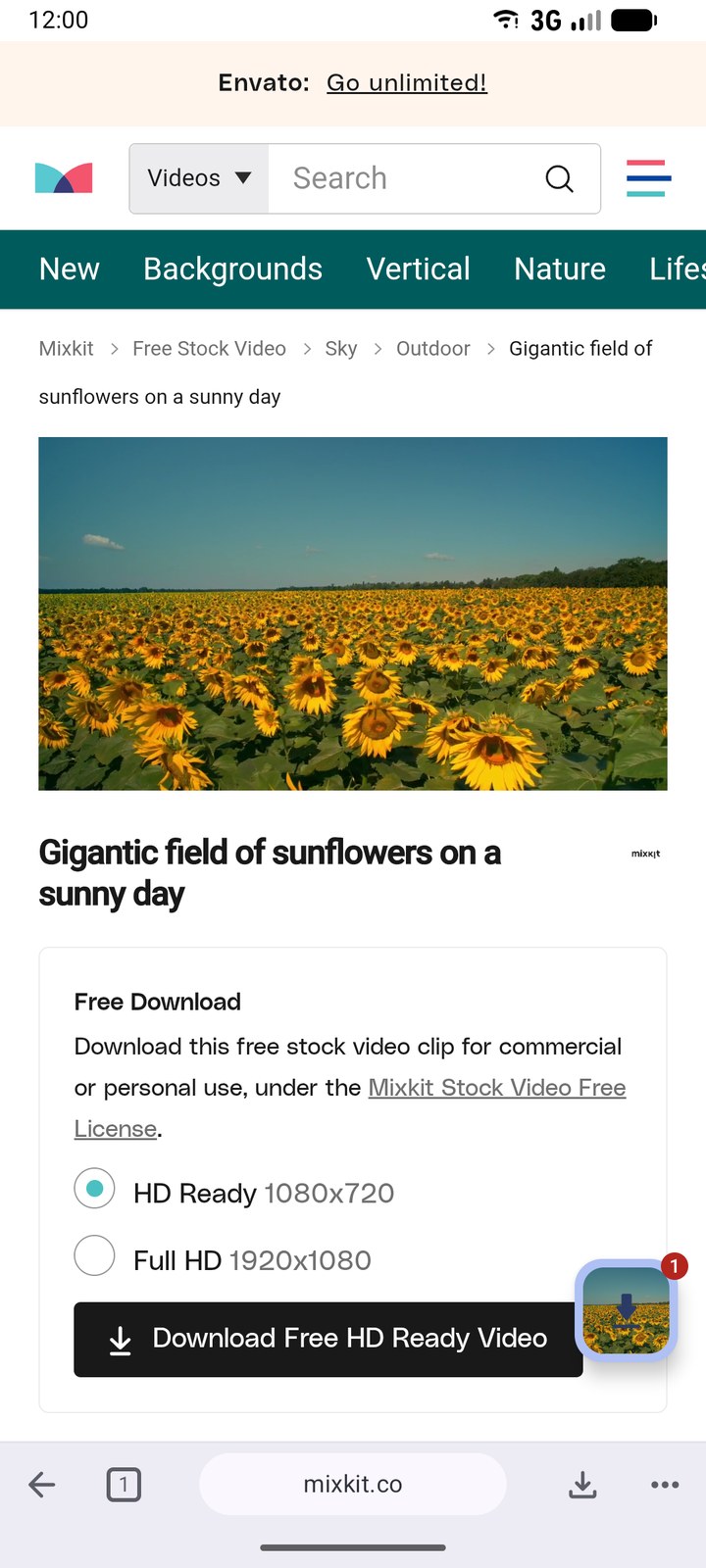
From a detected link to an edited, organized library — without leaving the app.
Trim, change speed, mute audio, fine-tune colors, apply filters and LUTs, place watermarks in any of nine positions, and merge multiple videos into one.
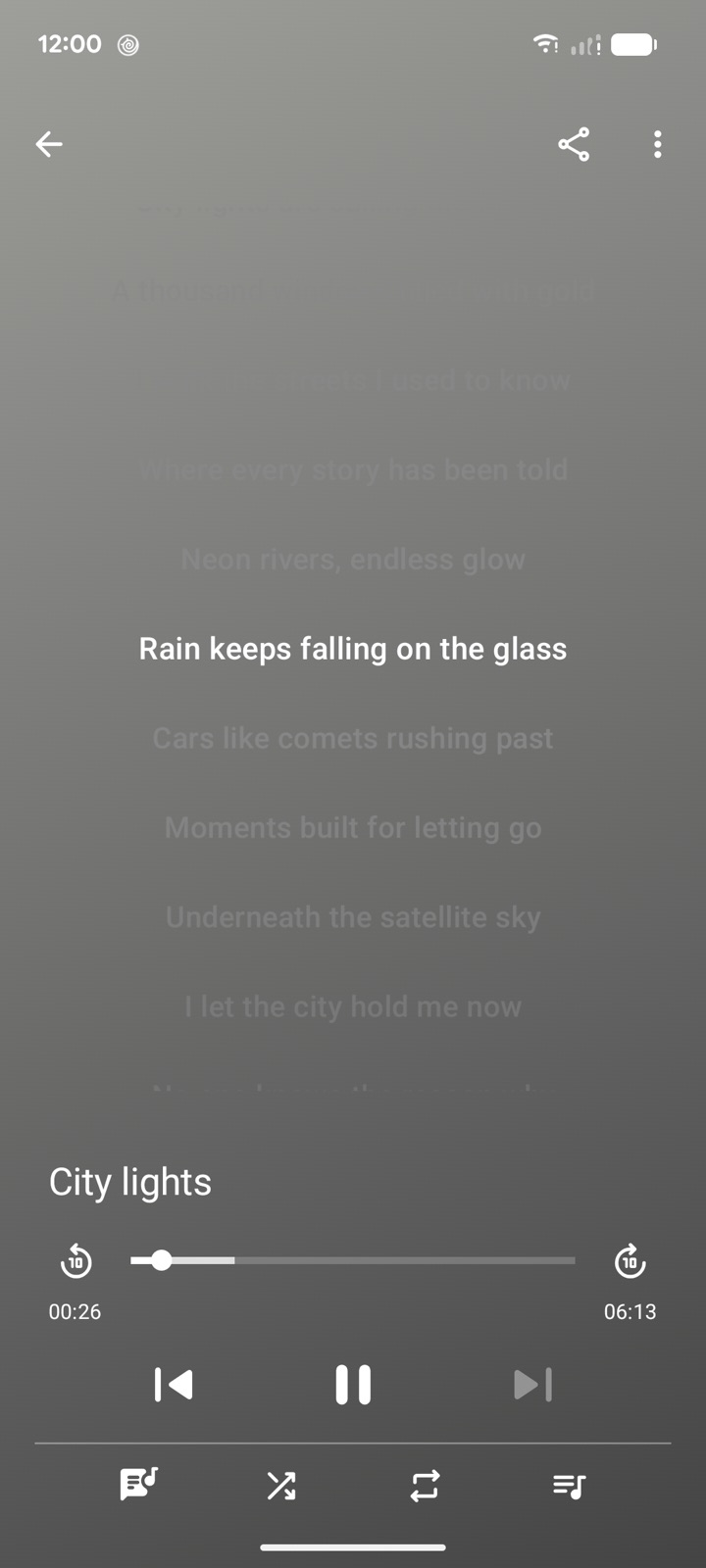
The music player shows time-synced lyrics with a highlighted, centered line, and stays out of your way when you scroll manually.
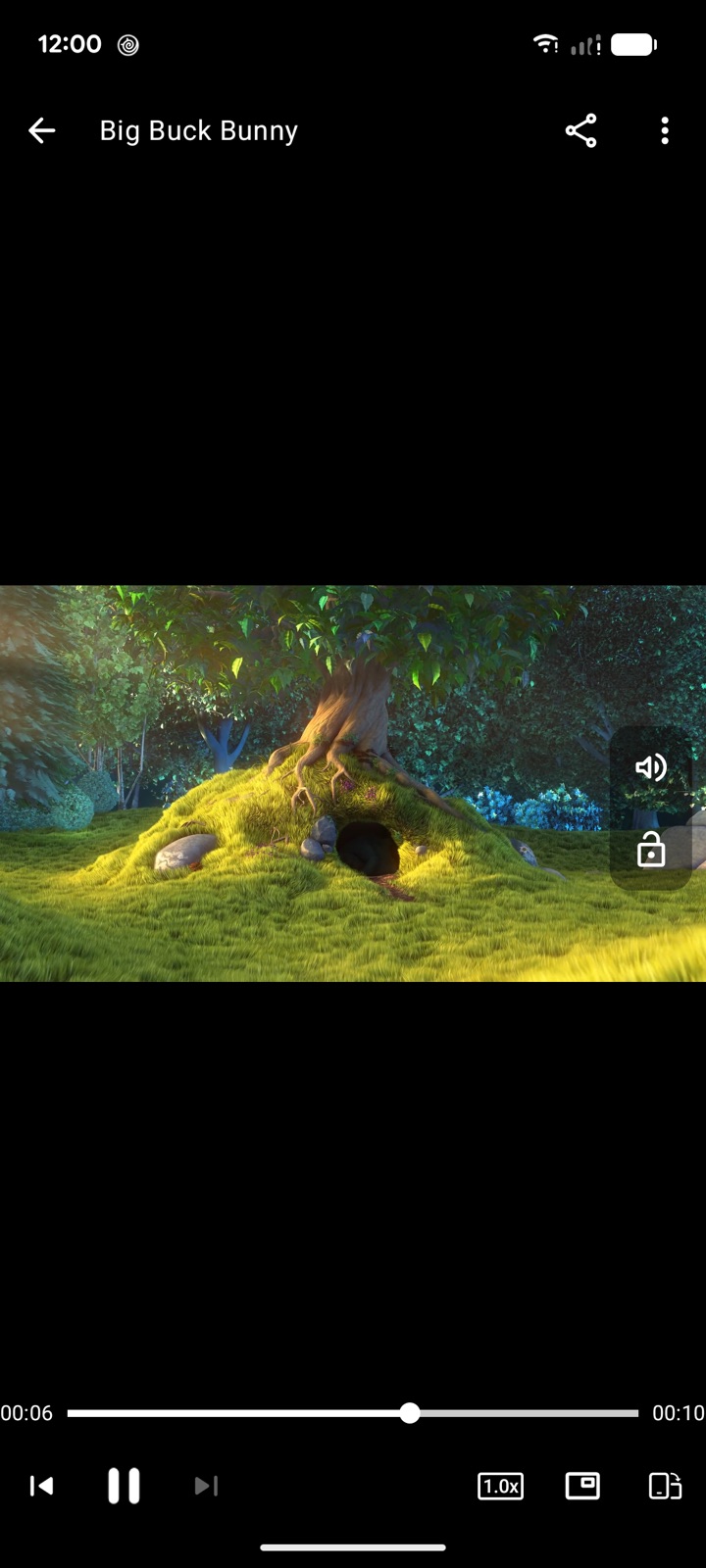
Adjustable speed, repeat mode and playlists, plus background playback and picture-in-picture you can switch on or off at any time.
Multi-connection engine with pause, resume and cancel, several files at once in the background, and live progress in notifications. Pick the resolution and file size before you save, up to HD.
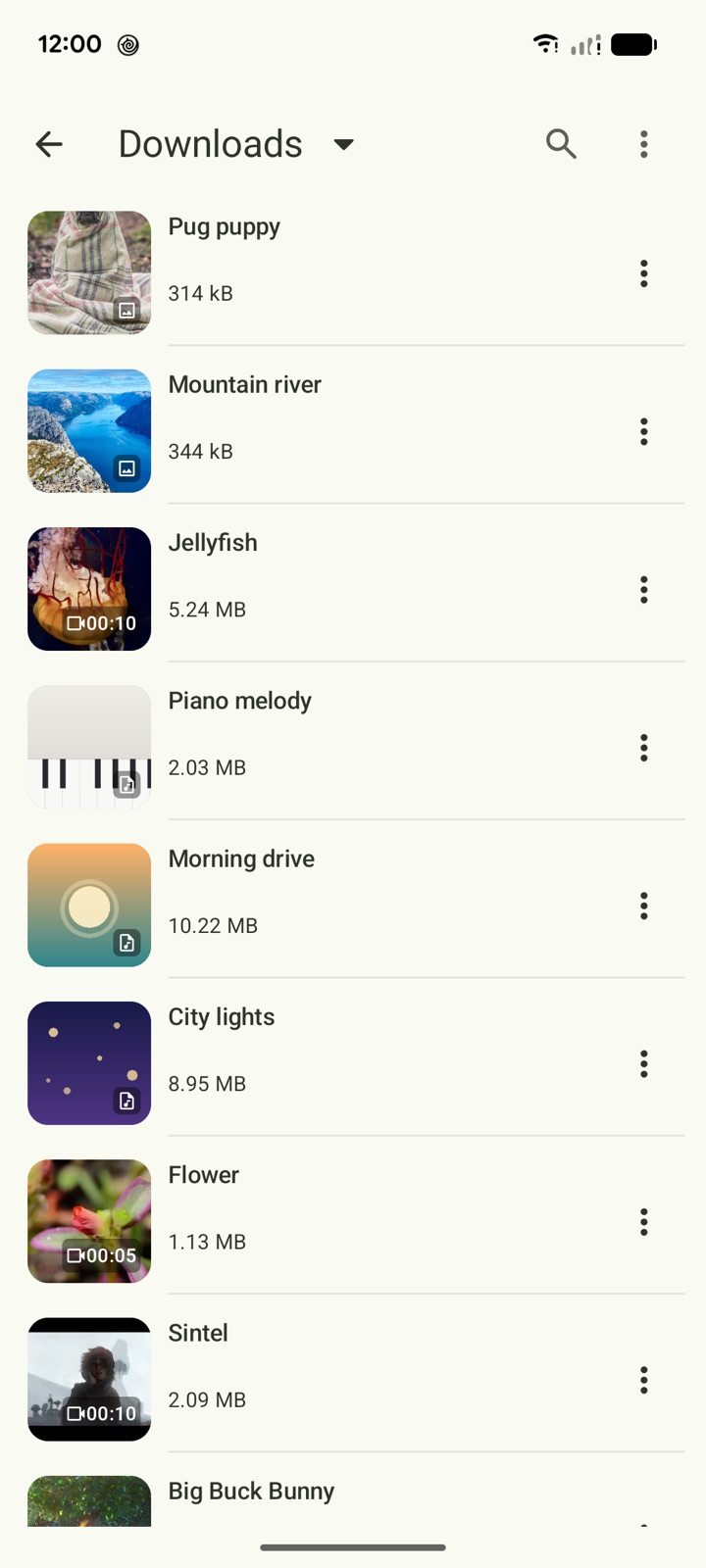
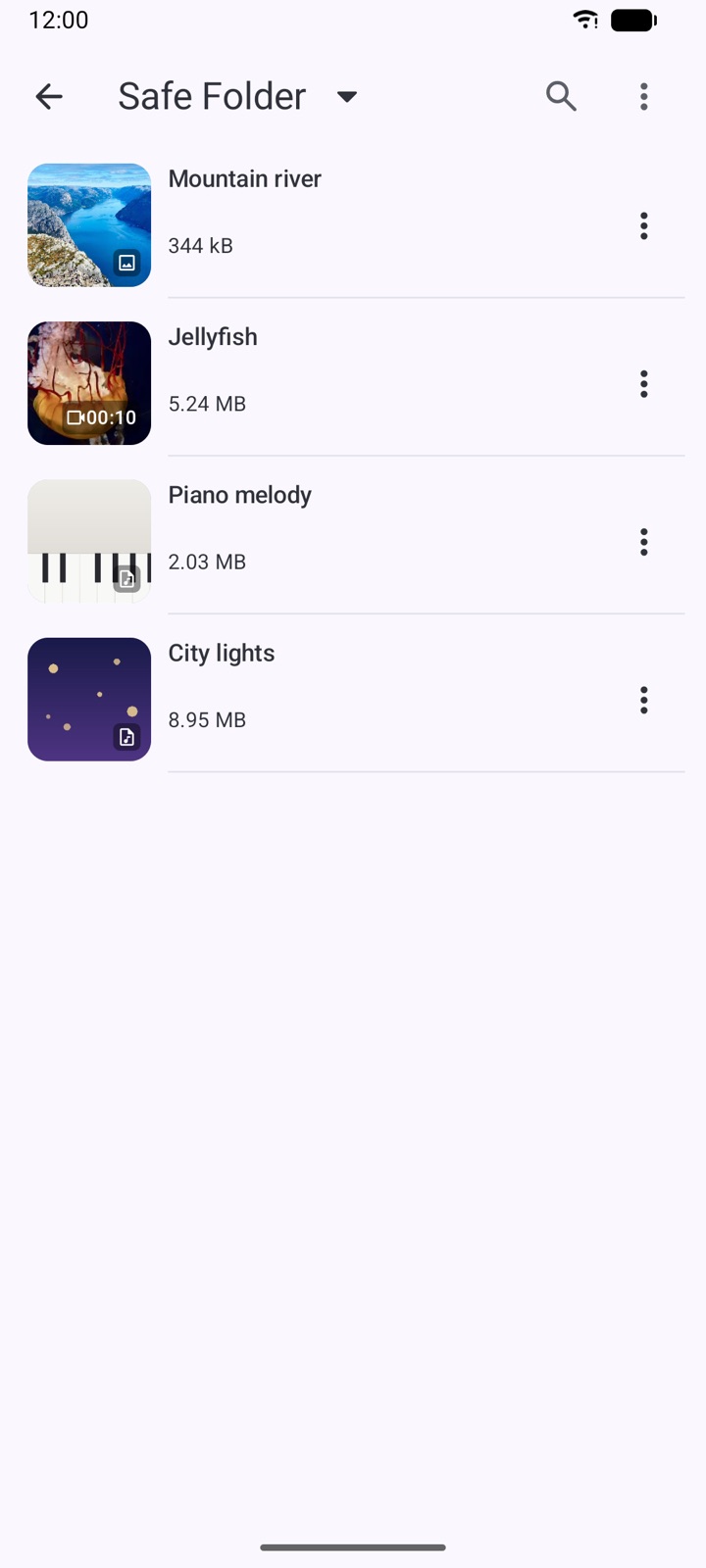
Move private videos, photos and music behind a password, away from the regular library.
Browse any of 100+ supported sites and media is detected automatically — just tap to save. Or paste a link to enqueue one or several files instantly.
Rename, move, share and delete files, organize them into folders, and choose internal storage or an SD card — in light or dark theme.
No account and no cloud upload. Everything you save lives on your device, ready to play offline anytime.
Trim and merge clips, speed up or slow down, mute, adjust colors, use filters & LUTs, and add watermarks — a complete editing suite rebuilt around a cleaner, faster workflow.
Lyrics follow the song line by line, centered and highlighted, with manual scrolling always in control.
Keep video playing with the screen off or in a floating window — both are now easy toggles in settings.
A clipboard prompt suggests saving copied links, and one paste can enqueue multiple files with resolution and size previews.
Balanced two-pane layouts, freeform window support and redesigned sheets make the app feel native on tablets and foldables.
Long-press any file for a modern bottom-sheet menu with rename, move, share and more — easier in one hand and with screen readers.
Download the app and start building your private library.
